
Who this guide is for
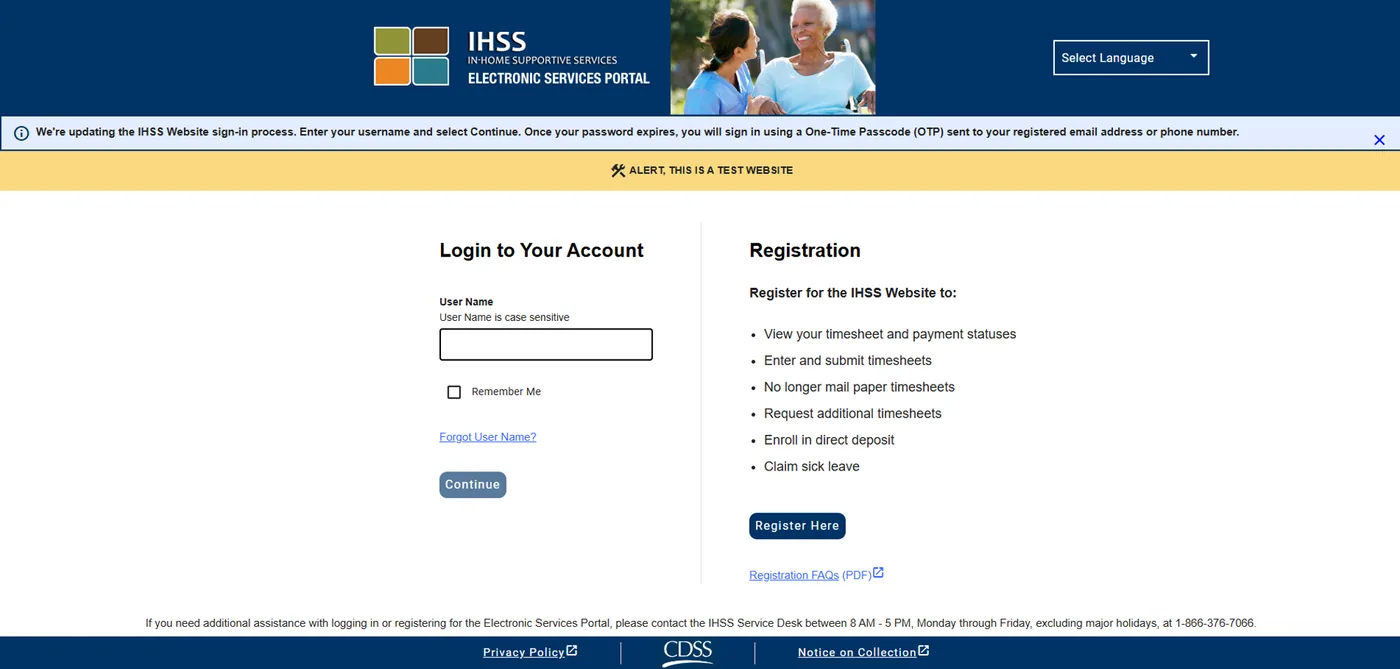
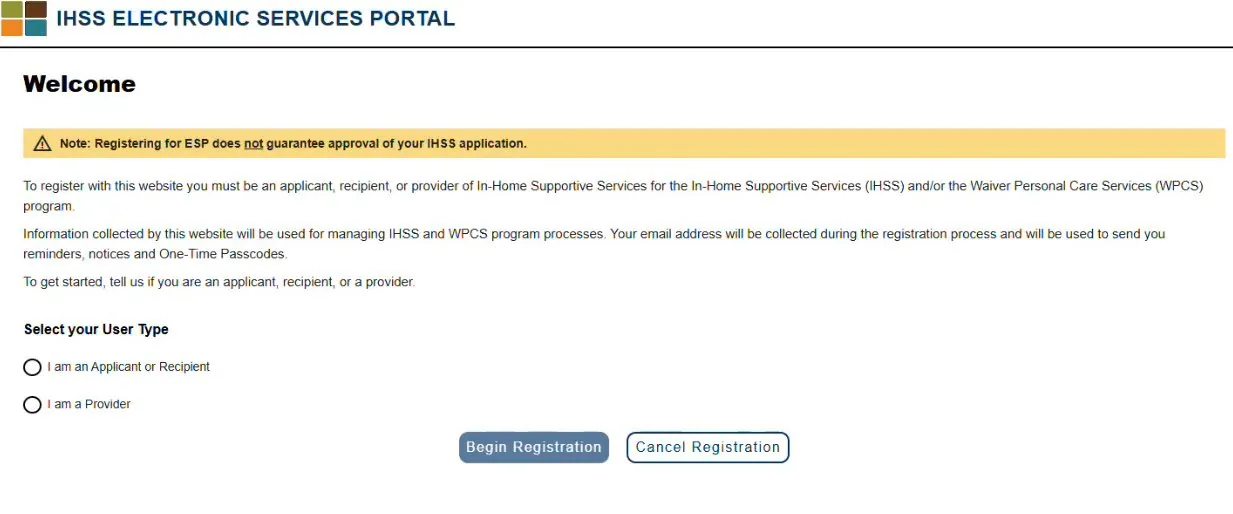
Anyone who uses the Electronic Services Portal (ESP) for the first time, as a provider or a recipient. You register once. After that, you only log in.
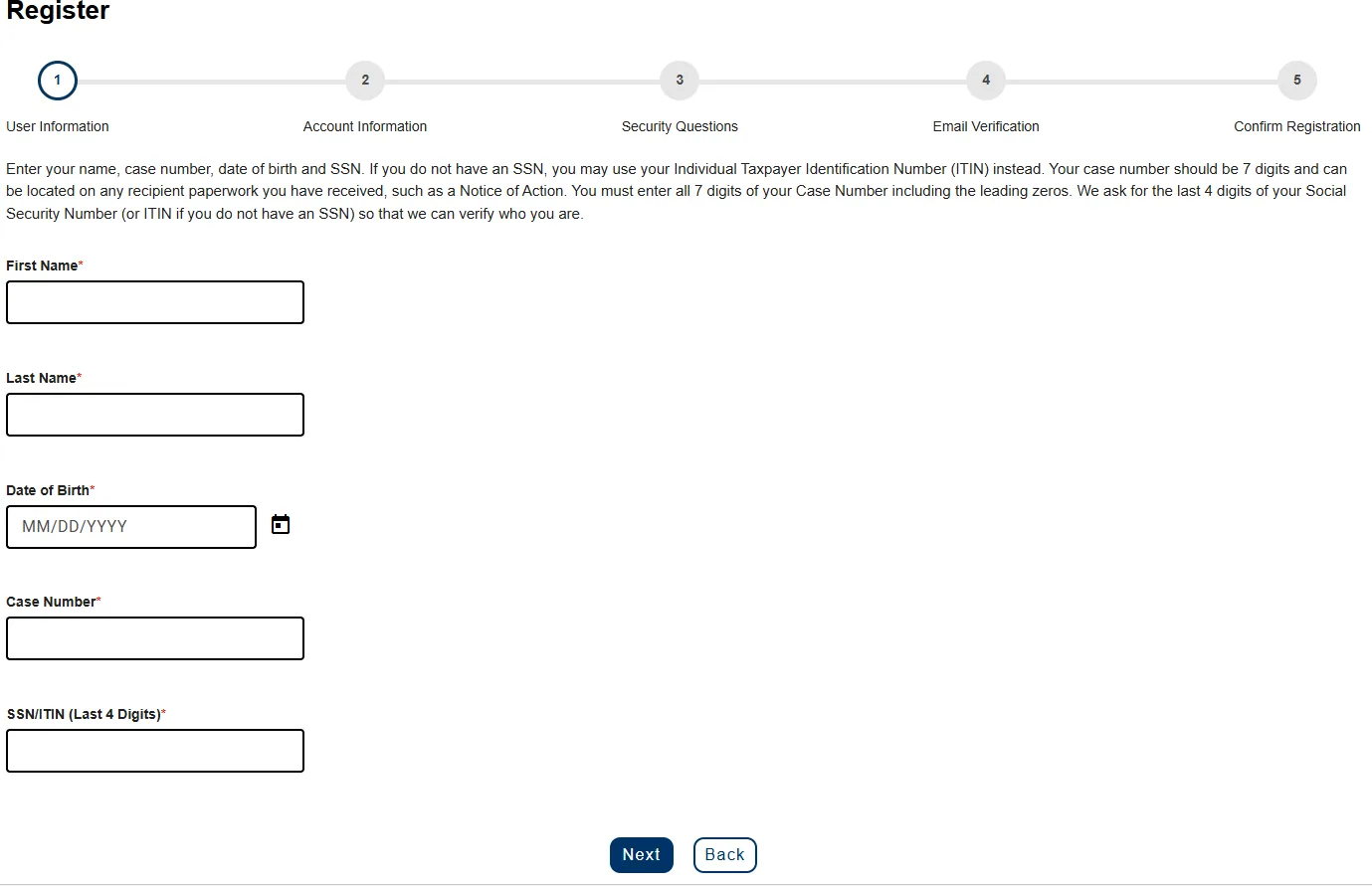
Get this information ready
Enter it exactly as it appears in your IHSS records.
- Your first and last name
- Your 7-digit recipient number (recipients) or 9-digit provider number (providers)
- Your date of birth
- The last 4 digits of your Social Security Number (SSN) or Individual Taxpayer ID Number (ITIN)
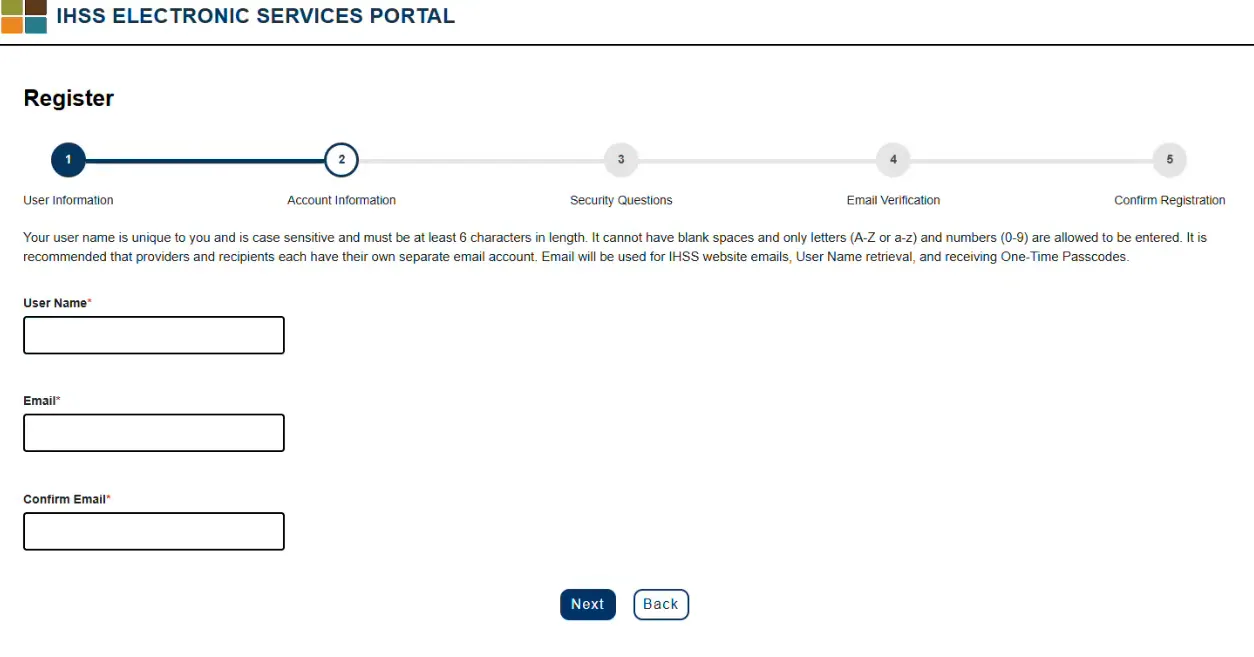
- Your valid email address
Your recipient number is also called your case number. You can find it on paperwork like a notice of action. Providers can find their number on paperwork like a past paystub.
If a message says your information does not match
Contact your county IHSS office. Providers in the Waiver Personal Care Services (WPCS) program should contact In-Home Operations (IHO) at (916) 552-9105.
Your personal information is not stored on the website. It is only used to check it against the IHSS or WPCS system.
What you can do after you register
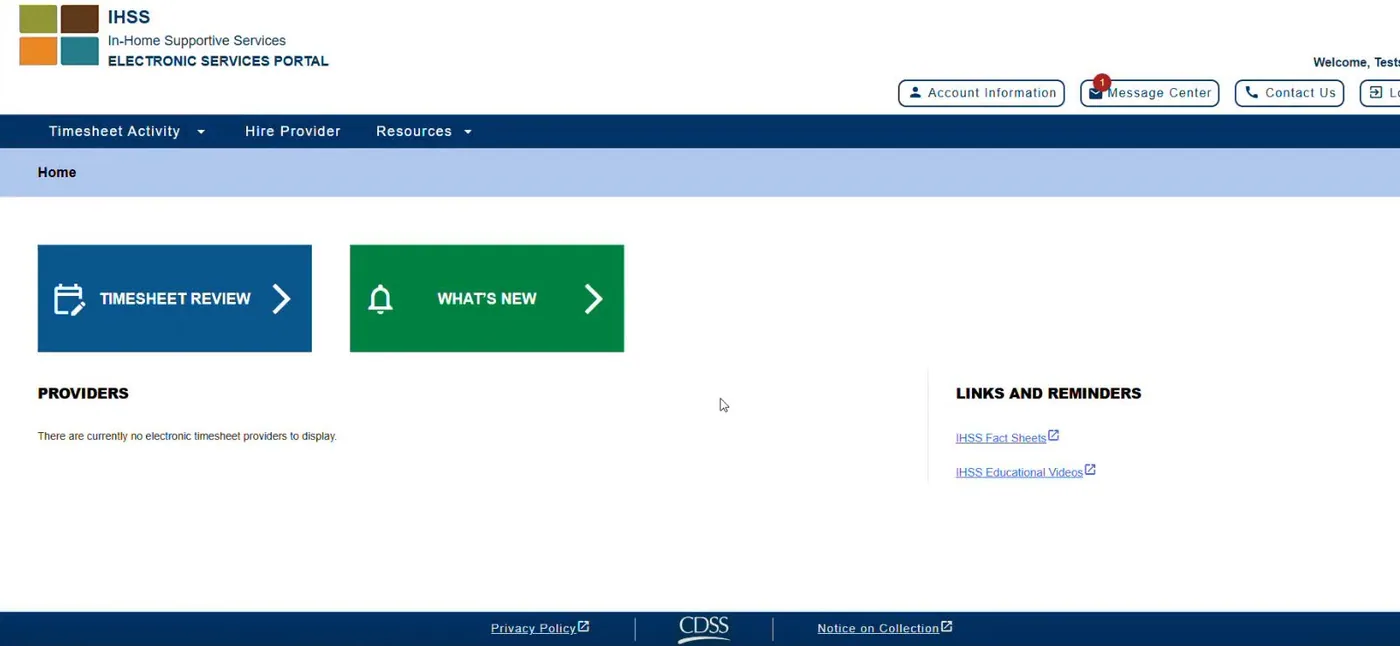
- Recipients can review, approve or reject their provider's timesheets, and see timesheet history.
- Providers can view timesheets and payments, request supplemental timesheets, enroll in or change direct deposit, submit a sick leave claim, and check in and out each workday.
Things to remember
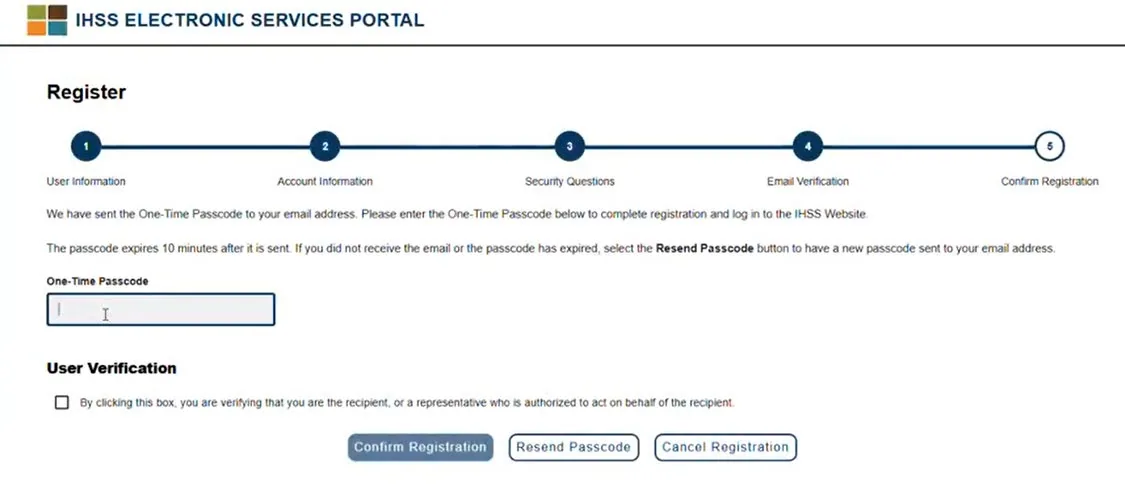
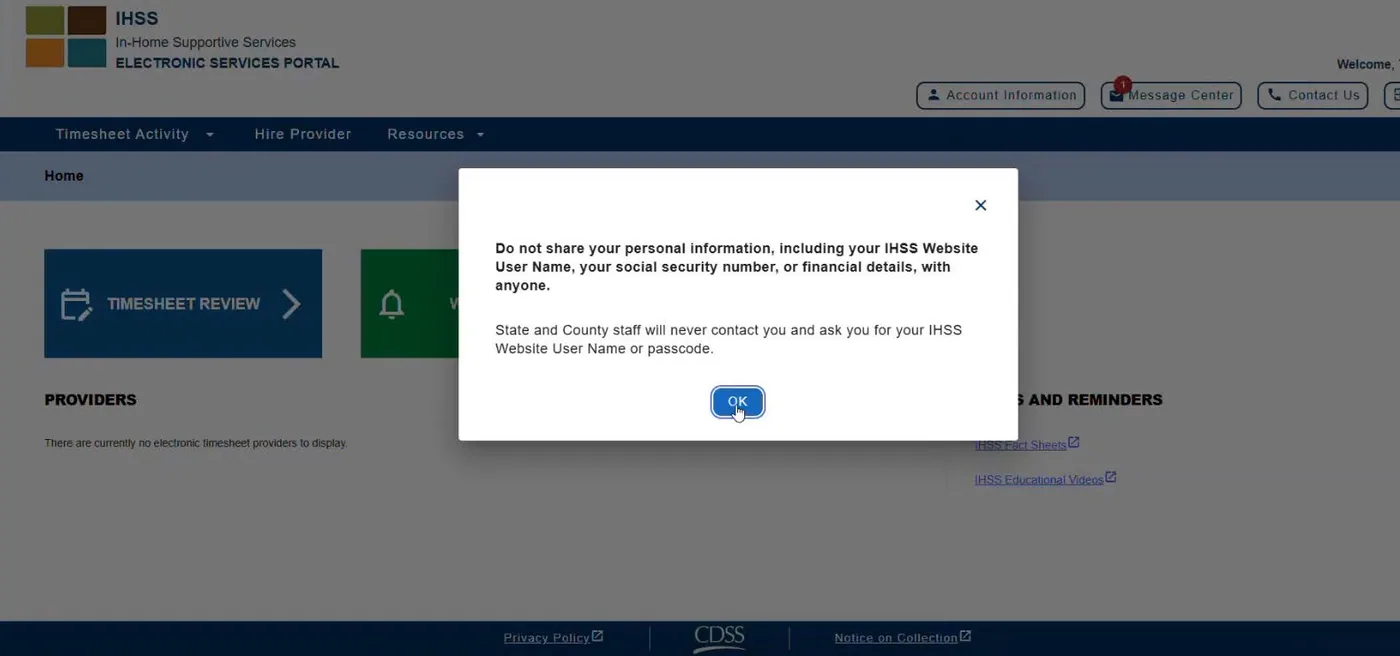
- Do not share your username or one-time passcode with anyone.
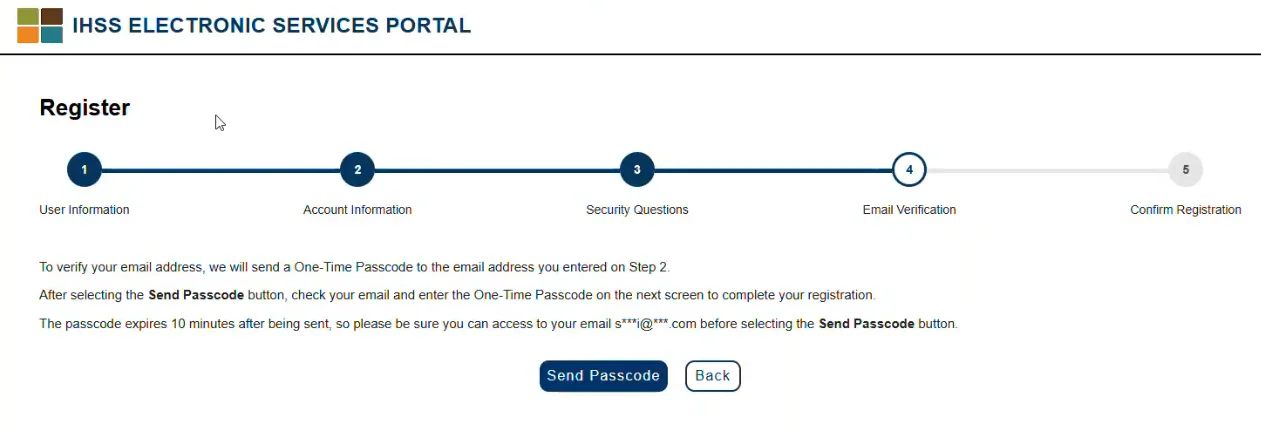
- The passcode expires 10 minutes after it is sent.
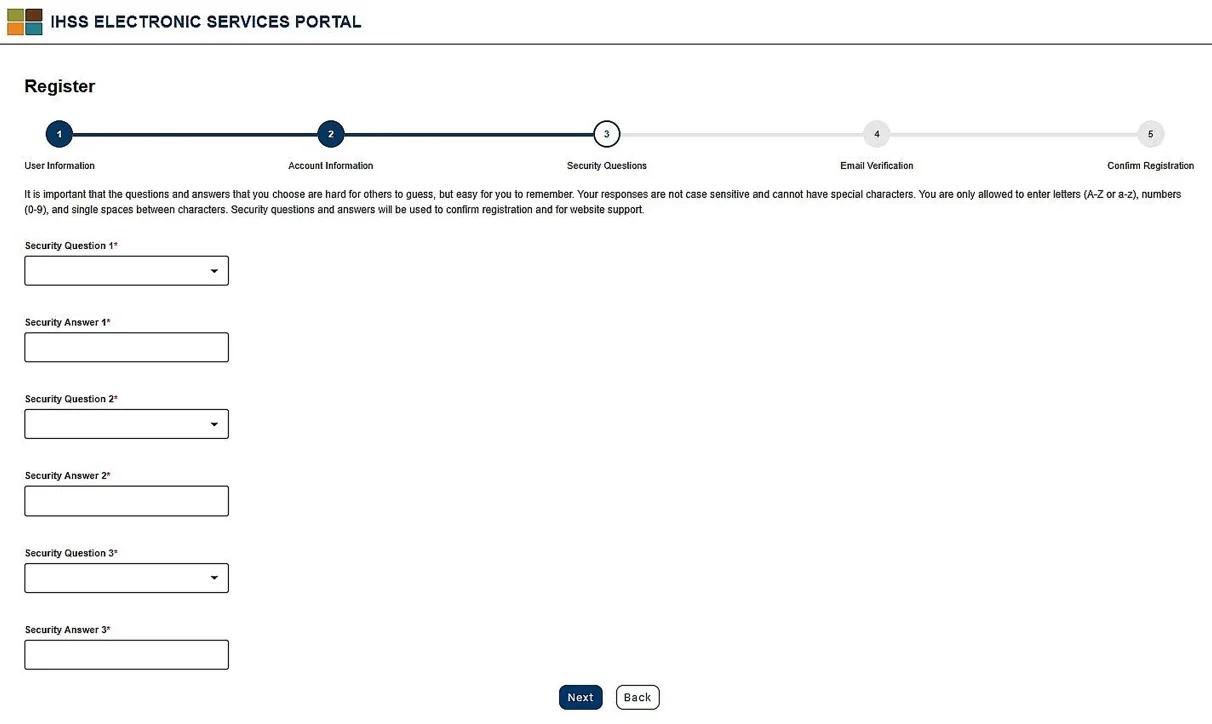
- Your account locks for a while after 5 wrong passcode entries or more than 3 passcode requests. You can wait 30 minutes or click Unlock Account Now and answer your security questions.
- If you did not ask for a passcode, ignore it and delete it. Do not click suspicious links.
Source: ESP Recipient/Provider Registration, Revised 10/2026.